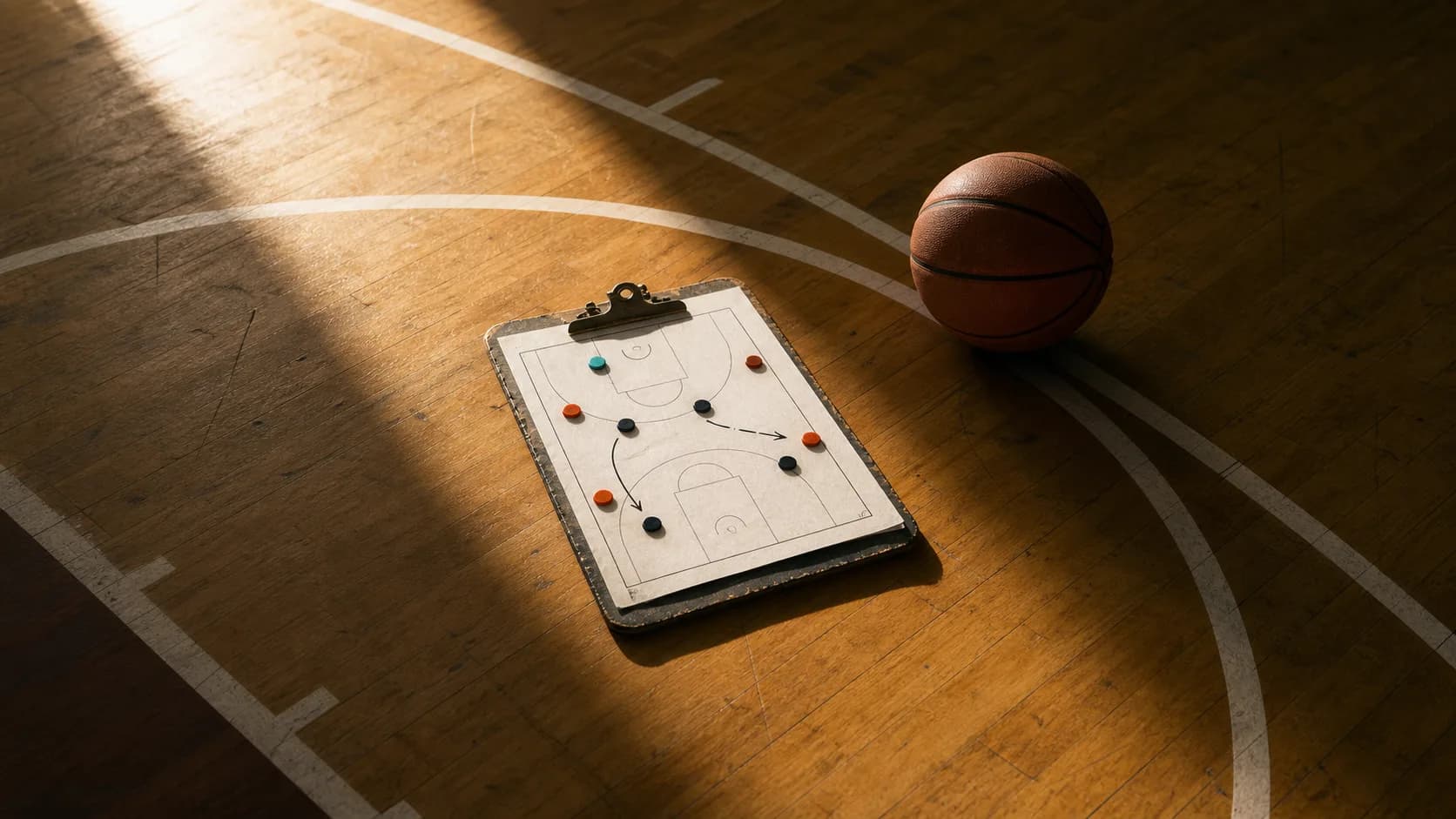
The film you need is not complicated: the whole court, shot from high up near mid-court, with the scoreboard in frame and no zoom. A phone or iPad you already own gets you most of the way there for $0. Around $160 to $190 in lenses and stands fixes the angle. Around $300 to $500 adds auto-tracking on your own phone, and about $800 buys a standalone AI camera with no subscription. What most coaches forget is the host's rules: in several states you can film an away game, but nobody owes you a tripod spot or an outlet.
| Setup | What it is | Cost (published, September 2026) | Best for |
|---|---|---|---|
| 1. Free | Phone or iPad you own, top of the bleachers | $0 | Any program, starting today |
| 2. Fixed angle | Wide lens, case and tripod, or a 13-foot stand | About $157 to $190 | Away games, consistent angle |
| 3. Phone auto-tracking | XbotGo Chameleon or BallerCam | About $300 to $490 | Programs without a volunteer to hold the camera |
| 4. Standalone AI camera | XbotGo Falcon, no subscription | $799 to $1,029 | Programs filming 30 or more games a season |
| 5. Subscription camera | Veo Cam 3 plus plan | About $2,600 in year one at list price | Clubs that want analytics and streaming |
Checked 19 September 2026 on each vendor's own site. Hardware prices in this category move often, so confirm before you order.
The shot you are trying to get
Hudl's basketball recording guidance is the right standard whatever platform you use:
- A high vantage point near mid-court, at least halfway up the bleachers, with no obstructions.
- The whole court in view. Film that follows the ball and loses the weak side is useless for scouting help defense.
- The scoreboard in shot, especially at the end of each quarter, and the officials' signals visible.
- Readable jersey numbers, without heavy zoom. Use a wide-angle lens when you are close, and more zoom only when you are far away.
Veo recommends a raised corner position instead, but that advice is written for its own dual-lens camera. For a single phone or iPad, mid-court and high is right.
Setup 1: Free
A phone or iPad on the top row of the bleachers at mid-court, braced against the rail, will get you usable film tonight. Record in the Hudl app if you use Hudl: Hudl's own advice is to record in its app rather than the camera app and to stop only at quarter breaks, halftime or long timeouts, so you are not uploading 60 short files.
If you want a free livestream for parents at the same time, GameChanger's AutoStream is free for team staff on iOS. The catch is that the phone must stay still with the whole court in view, you outline the court boundaries before the game, and if you move the phone you have to end the stream and set it up again.
The weaknesses of the free setup are predictable: no seat at the top of the bleachers, a crowd standing in front of you, and a battery that dies in the fourth quarter. That is what the next setup fixes.
Setup 2: About $157 to $190 for a fixed, high angle
Two small purchases make the biggest difference:
- A wide-angle lens. Hudl's shop sells a 37mm wide-angle lens for $39, alongside a $69 iPad case and a $49 tripod: $157 for the set. This matters more than it used to, because the newest iPad Pro models dropped the ultra-wide camera, so a clip-on lens is how you get the whole floor from close range.
- Height. XbotGo's NT4 stand reaches 13 feet for $189.99. Taller sports tripods, such as a 16-foot Sideline Scout or a 20-foot Glide Gear model, run about $300.
On r/basketballcoach, one coach described using a GoPro's max lens mod on a 15-foot tripod with an 8-foot boom, and having only one gym complain in four years. Another clips a GoPro to the bleachers at half court in fisheye mode. GoPro says the HERO13 Black records more than 2.5 hours of continuous 1080p30 video, which covers a full game.
Setup 3: About $300 to $490 for auto-tracking on your phone
Phone-based trackers point your phone at the action so nobody has to hold it:
- XbotGo Chameleon: $299.99 standard, no subscription, 20 GB of free cloud storage. Add the 13-foot stand and it is about $490.
- BallerCam: $299, or a $399 club basketball bundle with an 80-inch tripod. The base plan is free with 20 cloud hours; it needs an iPhone 13 Pro or newer.
GameChanger documents live streaming from XbotGo devices, capped at 1080p. The honest caveat from coaches who use them: tracking is good most of the time, not all of the time. One described the Chameleon as great about 90% of the time. For scouting film, a wide static shot that never misses the weak side can be more useful than a tracked shot that occasionally wanders.
Setup 4: About $800 for a standalone AI camera, no subscription
The XbotGo Falcon is a standalone 4K tracking camera listed at $799, $969 for the Elite Pack and $1,029 for the Field Pack, with no subscription for core features and a battery rated for up to 4.5 hours. Its price has moved quickly: $599 as a January 2026 preorder, $699 at the March launch, $799 today. Coaches on r/basketballcoach who own one report that it works well for basketball.
This is the tier where the math starts to favor buying over volunteering. If you film 30 or more games a season across varsity and JV, a camera that sets up in minutes and needs no operator pays for itself in parent-volunteer headaches alone.
Setup 5: Subscription cameras
Veo Cam 3 lists at $1,299 in the US, and a subscription is required: Starter is $149 a month or $999 a year. With a $299 tripod, the first year is about $2,597 at list price, though Veo's basketball page was advertising 50% off the camera and annual plans when we checked. Veo Go, which uses two iPhones, costs $469 a year plus a small rig and tripod.
Trace includes the camera and a 16-foot tripod with an annual plan starting at $180, but it is built around individual player highlights, and the Basic plan keeps only the last five games. Pixellot Air NXT sells for about $1,149 at retailers, plus a subscription Pixellot does not publish.
These make sense for clubs that want streaming and analytics in one product. For a coach who needs clean film of every game, Setup 2 or 4 is usually the better value. The full comparison is in our basketball camera cost guide.
Storage and batteries
At 1080p and 30 frames per second, an iPhone records roughly 3.6 GB per hour in its default high-efficiency format and roughly 7.8 GB per hour in "most compatible" mode. Keep at least 8 GB free before every game, which is well above the 2 to 3 GB Hudl's tips suggest. Bring a power bank and a short cable. In Michigan, the state association says a host manager is not required to provide electrical hookups.
The away-gym rules
The camera is the easy part. The host's rules decide where it goes.
| State association | What it says |
|---|---|
| Michigan (MHSAA) | Competing schools may videotape games they play in. At other sites, tape from the stands unless press box space is available. Hosts need not provide tripod space or power. No livestreaming of tournament games by teams or spectators. |
| Iowa (IAHSAA) | Filming to scout an opponent is allowed, but the opponent shall be notified. Hosts need not provide space; hand-held cameras are recommended. |
| Kentucky (KHSAA) | Filming a past or future opponent without consent is treated as unsportsmanlike. |
The safe habit everywhere: email the host athletic director two days ahead, say where you plan to set up, and never livestream a game you do not have rights to. If the host gym has an NFHS Network camera, ask whether the film can be shared with you; that can save the setup entirely, and our guide to MaxPreps Advantage explains what those schools already have.
Getting it into your platform
Hudl's web uploader is the fastest route, and multiple files dragged in together are merged into one video. For trimming and teaching clips, DaVinci Resolve and iMovie are free, and Hudl's editor is included with its paid plans. XbotGo and BallerCam include basic clipping in their apps.
Where HoopBrief fits
Once the film exists, somebody still has to decide what it means. HoopBrief does not host or tag film, and there is nothing to upload. It turns a matchup question into a structured, scouting-style read from public statistical and play-by-play data, so the hour you would spend hunting for tendencies goes into teaching them instead. It will not replace your camera. It replaces the blank page after the game.
Try the free matchup scout with no account. Starter is $9.99 a month for unlimited questions with attack and guard plans, and Pro is $99 a month for all 12 coaching lenses, positioning IQ cues and unlimited saved reports, billed monthly and cancellable in one click. See plans and get started.