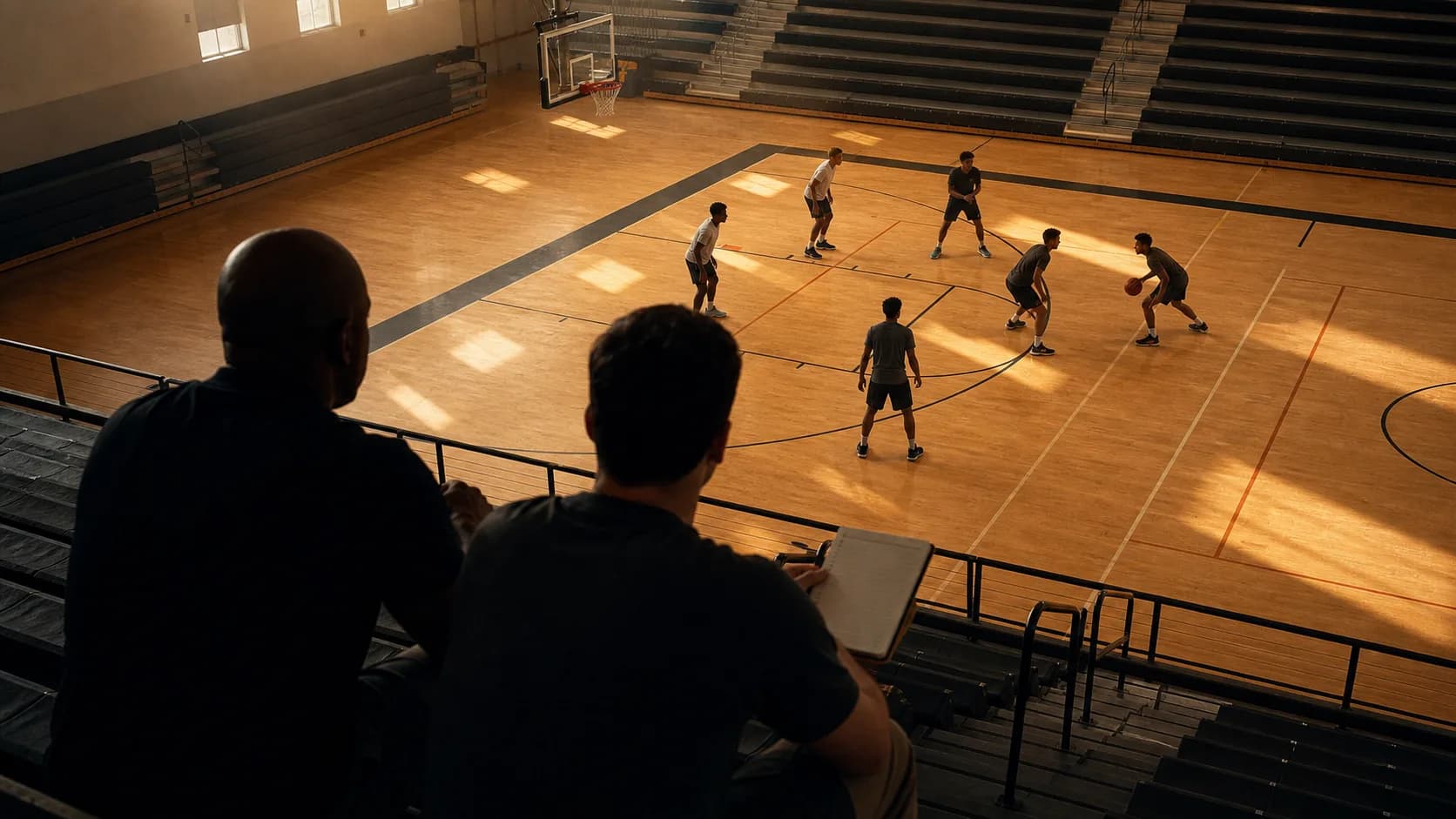
Most recruiting reels lose the coach in 38 seconds. That's the median attention window across recruiting coordinators we've interviewed, about 4 clips. Your reel either does the job in those 38 seconds or it doesn't. The 4-minute total length is the shell; the first 38 seconds are the pitch.
This piece is the editing checklist for those 38 seconds, and the structure for the rest of the reel that holds the coach once you've earned the attention.
The 4-Minute Reel Structure
12-15 clips, mixed by type:
- Clip 1, The Winning Play (5-7 seconds). A late-game defensive stop, a key assist, or a rebound that affected the outcome of a close game. Not a dunk. Not a long three. The opener tells the coach you affect winning.
- Clip 2, The Honest Best Skill (5-7 seconds). Whatever your single best translatable skill is, a pull-up, a finish through contact, a closeout-attack drive. Pick the cleanest example of your highest-value tool.
- Clip 3, The Defensive Sequence (5-8 seconds). One full defensive possession showing ground covered, switch outcome, and contest quality. Defensive clips this early signal that you understand what coaches value.
- Clip 4, The Decision Clip (5-7 seconds). A possession where you made an above-average read, a kick to the open shooter, a hockey assist, a defensive rotation that arrived early.
That's clip 4. You're at ~30 seconds. The coach has now seen winning, skill, defense, and IQ in less than 30 seconds. Almost no other reel they'll watch this week shows all four that fast. You've earned the next 3:30.
The remaining clips:
- Clips 5-8, Offensive variety (4 clips). One rim finish, one mid-range, one three, one transition. Variety, not repetition.
- Clips 9-11, Defense + off-ball (3 clips). Two more defensive sequences plus one off-ball action (cut, screen, relocation).
- Clips 12-13, Losing-but-right (2 clips). Possessions where you missed the shot but made the right play. Bravest clip type in any reel.
- Clip 14-15, Closer (1-2 clips). Another winning play or a clear "next steps" graphic with contact info.
Total runtime: 3:45-4:15. Total clip count: 12-15.
The Editing Rules That Matter
Five rules that separate a reel coaches respond to from one they skip:
- Each clip at least 4 seconds long. Sub-4-second cuts don't let the play breathe, the coach can't see the read, only the result. 5-7 seconds per clip is the sweet spot for everything except transition (where 4 is acceptable).
- Audio: keep the coach's voice in, mute or quiet the music. Coaches want to hear coaches calling out actions in the background. A music bed at 30% volume max; never above the in-game audio.
- No on-screen text predicting the play. "Watch the dish!" reads as amateur. Trust the coach to see the play.
- Time-stamp overlays are OK. Game date, opponent, score-state at the top corner is helpful context for serious coaches who want to verify competition level.
- No slo-mo unless absolutely critical. Slo-mo is for SportsCenter. Coaches want to see the play at game speed because they're evaluating game-speed decision-making.
The Hidden Editing Decision: Clip Length per Clip Type
Different clip types have different optimal lengths:
- Winning play (opener): 5-7 seconds. Long enough for the full sequence; short enough to maintain pace.
- Offensive skill clip: 5-6 seconds. Show the setup, the move, the finish.
- Defensive sequence: 7-9 seconds. Defense takes longer to read; coaches need to see the full possession to evaluate the ground covered.
- Decision/IQ clip: 6-8 seconds. Same reasoning, IQ moments need context.
- Off-ball action: 4-5 seconds. The action is brief; don't pad it.
- Losing-but-right: 5-7 seconds. Show the read, the attempt, the recovery.
A reel where every clip is the same length feels like a metronome and reads as auto-generated. Varying clip length by type creates rhythm and signals you understand what's important about each clip.
What to Send With the Reel
The reel is one of three artifacts in a complete recruiting outreach package:
- The 4-minute reel (the pitch).
- A one-page recruiting profile (height, weight, position, GPA, SAT/ACT, coach contact, AAU team, schedule).
- A 12-15 minute full-game cut linked but not embedded, available on request only. Don't send unless asked.
HoopBrief currently turns basketball and matchup questions into structured reports using public statistical and play-by-play context. It does not accept film uploads or provide possession-level video tagging.
Want to build a 12-lens scouting report on your own film? Start a HoopBrief plan and apply the same framework college coaches use to your own tape.
Who to Send It To
The assistant coach who recruits your region, not the head coach. Assistants are the ones who actually watch film first pass. Most program staff pages list assistants and their recruiting territories.
The outreach email is 5 sentences max:
- 1 intro (who, height, position).
- 1 link to the reel.
- 1 link to the recruiting profile.
- 1 sentence on academic standing.
- 1 sentence on next steps (AAU schedule, visit availability).
The reel does the work. The email just opens the door.
The 90-Day Build Plan
If you don't have a reel yet:
- Days 1-30: Film every game and scrimmage. Build a raw clip library tagged by type.
- Days 31-60: Watch the library with the 12-lens framework. Identify the 30-40 strongest clips across all categories.
- Days 61-75: Cut the 4-minute reel using the structure above. Get feedback from 2-3 trusted coaches before locking the edit.
- Days 76-90: Send the reel + profile to the first 30-50 target programs. Track responses.
By day 90, the reel is out, conversations are starting, and you have the workflow built to refresh the reel after every weekend of new film.
Where to Go Next
Companion recruiting pieces: what makes a recruit stand out in film (the clip-mix detail), how college coaches evaluate recruits on film (the coach side of the watching), how many film clips coaches actually watch (the attention math).
Next step, sending the reel: how to make a strong first impression in recruiting.
Hub: Recruiting Hub.